When you put client information into a piece of software, you stay responsible for it. The vendor stores it, but your clients, your professional college and the law will look to you if something goes wrong. These are the questions worth asking any practice software company before you add a single client.
The laws in brief
Canada
Health privacy in Canada is mostly provincial. Ontario has the Personal Health Information Protection Act (PHIPA), and several other provinces have their own health information laws. Where no provincial health law applies, private-sector privacy law covers personal information. The expectations are similar across Canada: collect only what you need, protect it, control who can see it, and be careful about which service providers handle it for you.
United States
Under HIPAA, a covered health care provider must have a Business Associate Agreement (BAA) with any vendor that creates, receives, keeps or sends protected health information on its behalf. If a software company won't sign a BAA, a covered provider shouldn't put protected health information in it. Some states add their own rules on top.
10 questions to ask a software vendor
1. Will you sign an agreement covering health information?
In the US, ask for the BAA. In Canada, ask for a service provider agreement that covers personal health information. Read it. It should say what the vendor can and can't do with your clients' information.
2. Where is the data stored?
Ask for the country and, ideally, the provider and region. Some Canadian practices prefer data stored in Canada, and some public-sector contracts require it.
3. Which other companies process it?
Almost every platform uses other services: email delivery, text messaging, card payments, video calls. Ask for the list and where each one processes data. Be wary of any vendor that claims everything stays in one country without naming the services behind email, texts and payments.
4. Is two-factor sign-in required?
Stolen passwords are a common way into an account. Two-factor sign-in should be available, and for health information it should be required for everyone on your team, not left optional.
5. Who can see what?
In a group practice, the front desk may need the calendar but not session notes, and therapists may only need their own clients. Ask how roles and permissions work.
6. Is there a record of who did what?
Ask whether the system logs who accepted the privacy agreement, who signed notes and when, and whether vendor support staff can see your data. If support can sign in to your account, it should only be with your permission and it should be logged.
7. Can notes be changed after they're signed?
For your records to hold up, a signed note should stay as it was. Corrections should be added as dated additions, not overwrites.
8. Is sensitive data encrypted?
Ask whether data is encrypted in transit and at rest, and whether sensitive fields like notes and form answers get extra protection.
9. Can I export everything and leave?
You may need to move systems, close your practice, or answer a client's request for their records. Ask what you can export, in what format, and what happens to your data when you cancel.
10. What happens if there's a breach?
Ask how soon the vendor would tell you. You may have your own duty to notify clients or a regulator, and you can't do that if you find out late.
Habits that matter as much as the software
- Don't put health details in email subject lines or text messages unless the client has agreed to that.
- Use separate logins for each person in the practice. Never share a password.
- Keep your consent form clear about how you use email, texts and online booking.
- Collect only what you need on intake forms.
- Review who has access when someone leaves the practice.
This is general information, not legal advice. Your professional college and your privacy regulator can tell you the rules that apply to your practice.
How Rella handles this
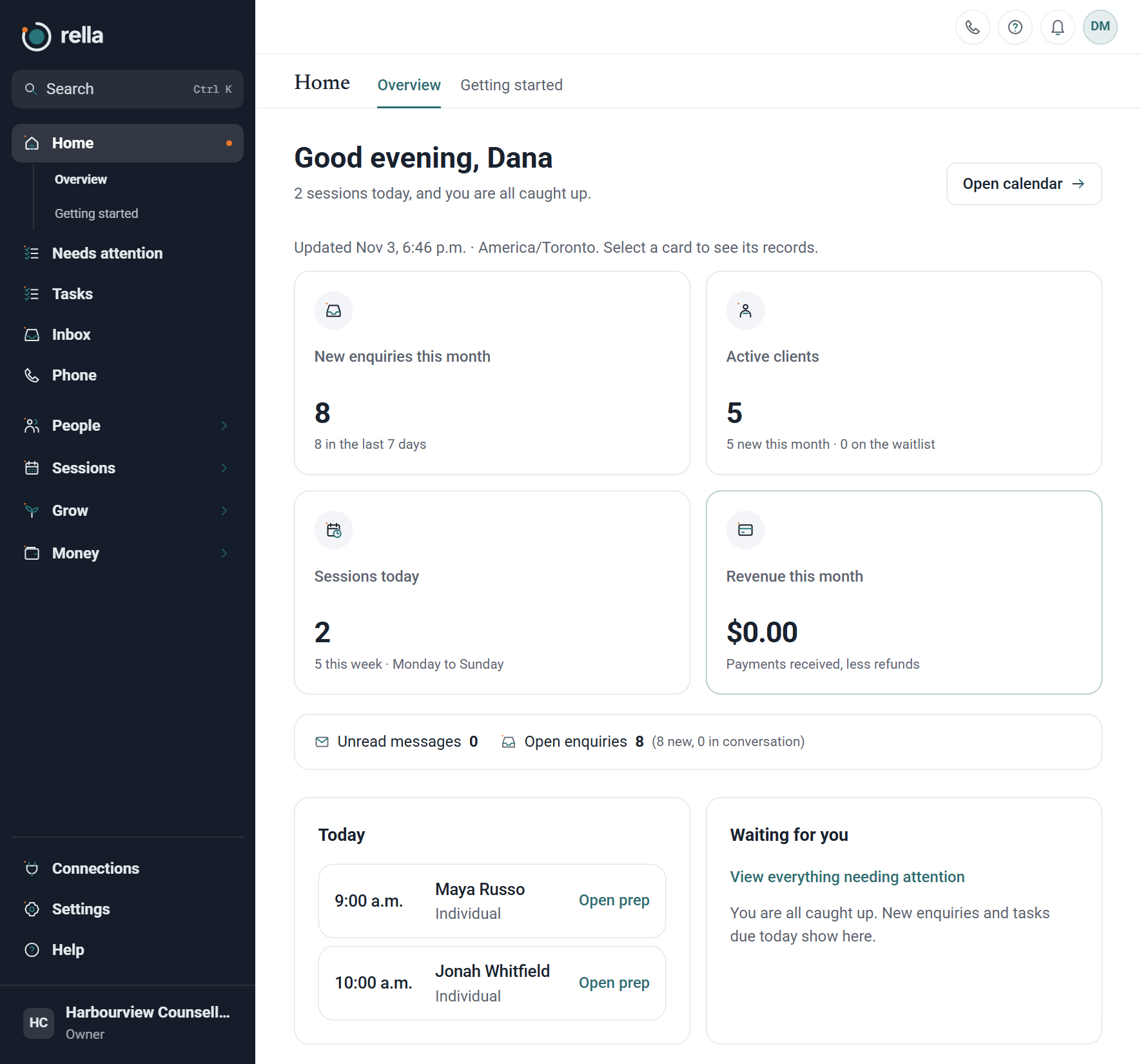
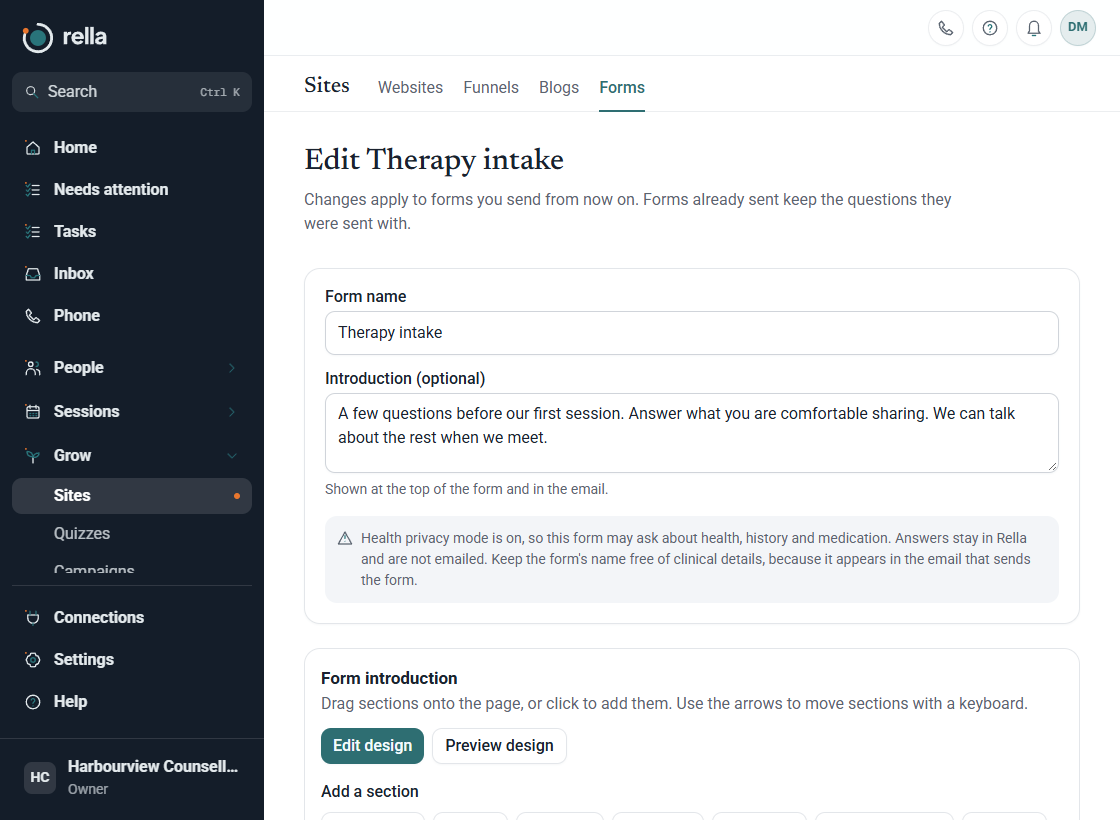
Rella has a health privacy mode you switch on in Settings. Canadian practices accept a service provider agreement under PHIPA and similar provincial laws, and two-factor sign-in then becomes required for everyone in the business. Rella keeps a record of who accepted the agreement, which version and when. Signed notes can't be edited, and corrections go in as dated additions.
Rella's server and database are with Amazon Web Services in Montréal, Canada, and outgoing email uses Amazon SES in the AWS Canada (Central) region. Calls, texts and card payments use other services, which may process information elsewhere.
Health privacy mode isn't available for US practices yet. US therapists can use Rella for enquiries, booking and admin, and keep clinical records in their existing system for now.
See Rella for therapists or read the health privacy guide.